Website Structure for SEO
Categories become services hubs
 By Mark Cantrell, Founder & CEO, Upward Bound MediaLast updated
Short answer
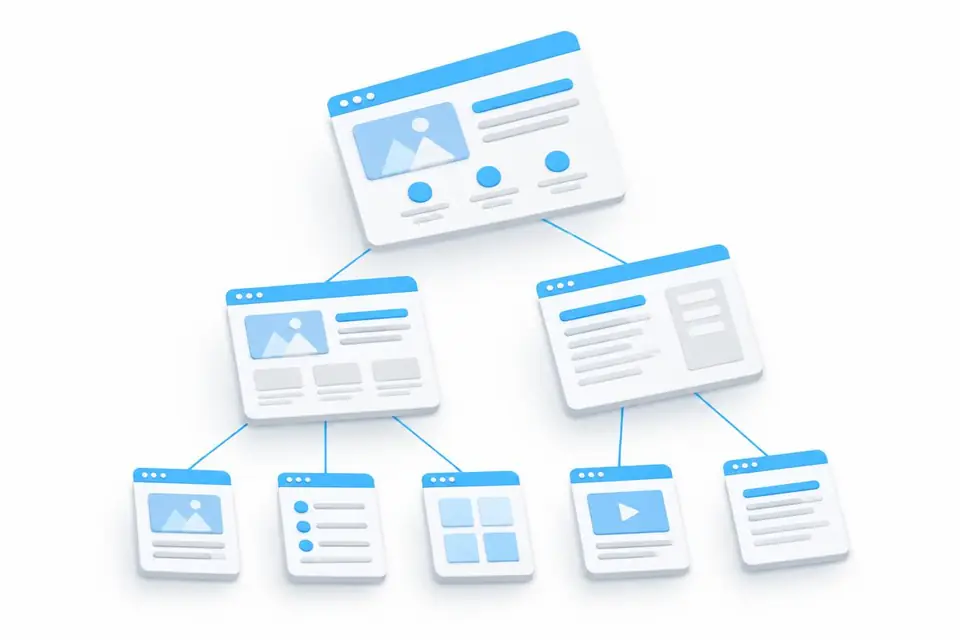
The homepage targets what you are, plus your business name. Each category becomes a services hub targeting "[Category] services". Each service gets its own page under that hub.
On this page
Profile categories become site silos
A silo groups linked pages on one topic, making them stronger together. Each profile category becomes a services hub.
- Primary category: [Primary category]
- Secondary category: [Secondary category]
- Secondary category: [Another secondary category]
Find your business's categories at gbpchecklist.com.
SEO-friendly URLs for every page
A URL is a page's web address. The hub uses the bare category name, /[category]. Each service sits under it:
Do this
/[category]/[service-1]- A /[category] hub targeting "[Category] services"
Not this
- Service pages with no hub above them
- Hubs a designer guessed that are not on the profile
Hub pages for each section of the site
- Homepage: what you are. Target your primary category's company or contractor term and your business name. Seasonal businesses swap the term by season.
- Hub: what you do, by category.
/[category]targets "[Category] services", never a company or contractor term. - Service page: one service.
/[category]/[service]targets that service.
What you are and what you do are different searches, so the homepage never competes with a hub or service page. Hubs and their service pages link both ways.
How many pages a local business website needs
An HVAC site has 30 to 45 pages: one hub per category plus one page per service. Your count depends on your categories and services.