Local SEO Checklist
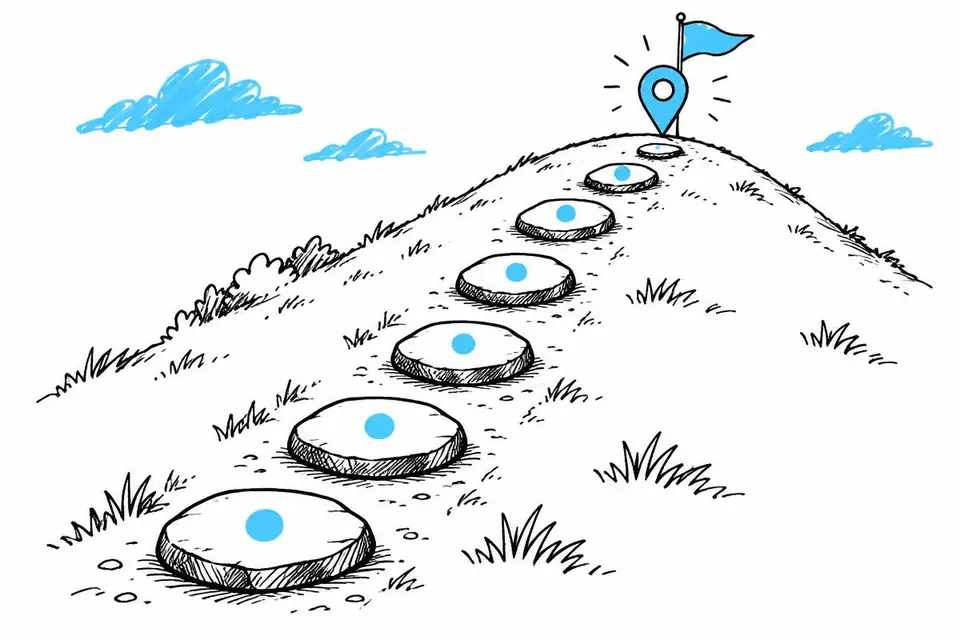
The build order, in 6 steps
 By Mark Cantrell, Founder & CEO, Upward Bound MediaLast updated
Short answer
Plan the profile, build the website, match the basics, link the pages, let Google index, then update the profile. The website changes first. The profile changes last.
On this page
- Your local business website checklist at a glance
- Step 1: Audit the profile and plan the end state
- Step 2: Build the website to match the plan
- Step 3: Lock in the foundation
- Step 4: Build silos and reverse silo links
- Step 5: Submit to Google Search Console and let it index
- Step 6: Then update the profile
- Why the order matters for your site
Your local business website checklist at a glance
Build the website around the profile's planned end state before changing the profile.
- 1
Plan the profile
Write down categories, services and your name, address and phone. Don't change the profile yet.
- 2
Build the website
One services hub per category, one page per service.
- 3
Match the basics
Put your name, address and phone in every page's footer as plain text. Embed the profile map on every service page.
- 4
Link it all
Service pages link up to their hub. Hubs link up to the homepage.
- 5
Let Google index
Submit the site in Google Search Console and give it time.
- 6
Update the profile last
Add the categories and services. Leave name, address and phone alone.
Step 1: Audit the profile and plan the end state
Record current categories, services and name, address and phone. Plan the primary category, secondary categories and full service list with the free Google Business Profile checklist.
This becomes your sitemap, the list of website pages. Do not change the profile yet.
Step 2: Build the website to match the plan
Build the homepage, one services hub per category and one page per service to match the plan.
Plan search targets and locations so the website backs up the finished profile.
Step 3: Lock in the foundation
- Put exact profile name, address and phone in every footer as plain text.
- Match titles and H1s to branded, business-type or service searches.
- Embed the profile map on every service page.
- Add LocalBusiness schema markup, code that gives Google your business details.
This NAP consistency work gives Google matching business details.
Step 4: Build silos and reverse silo links
Link service pages to their category hub, hubs to the homepage, and related services to each other within the silo.
An internal linking strategy spreads authority through those pages.
Step 5: Submit to Google Search Console and let it index
Use Google's free Search Console to submit the sitemap and request indexing. Follow the Website Launch Checklist and wait for Google to find and save the pages before changing the profile.
Step 6: Then update the profile
After indexing, match profile categories and services to the website. Leave name, address and phone alone.
Changes can trigger reverification and remove the listing from search. Check gbpchecklist.com first.
Why the order matters for your site
Google checks the website to back up profile changes. Without matching pages already indexed, it has nothing to confirm them. This final update is the only step where the profile changes to match the website.
Do this
- Build and index the website first
- Update profile categories and services last
Not this
- Add profile categories before the pages exist
- Change name, address or phone along the way